 landing.fyi
Upload guide
Garmin GI 275 flight data log — export & score every landing
Leave a USB flash drive in your Garmin GI 275 and every flight records on its own — and you can export the flights it has already stored. Upload the logs to landing.fyi.
Covers: GI 275 ADI / PFD / HSI / CDI / MFD / EIS (certified; air-data is install-dependent)
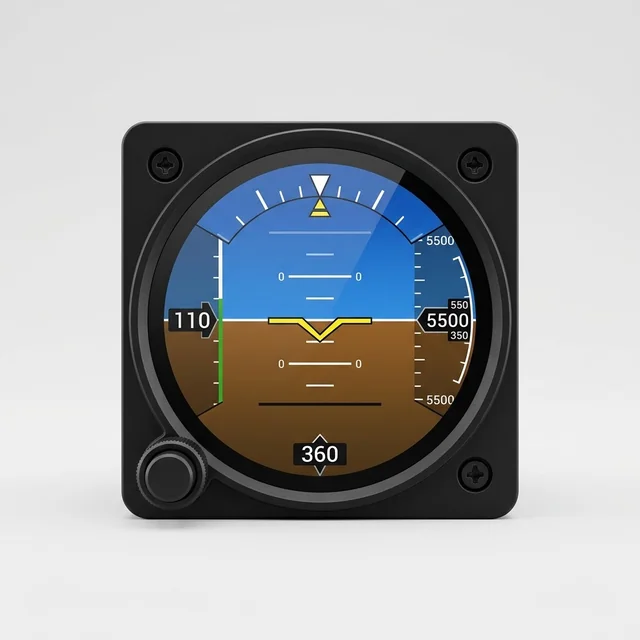
1) Going forward: keep a USB drive plugged in
The GI 275 records every flight automatically, once per second, to a USB flash drive left in the cockpit USB port — the GSB 15 hub, or a wired USB dongle. Leave a drive in and there's nothing to switch on.
- Use a USB flash drive 32 GB or smaller, formatted FAT32.
- Plug it into the GSB 15 USB port (or the rear USB dongle) and leave it there.
- Fly normally. The GI 275 writes the whole flight to the drive on its own — pull it out afterward to upload (Step 3).
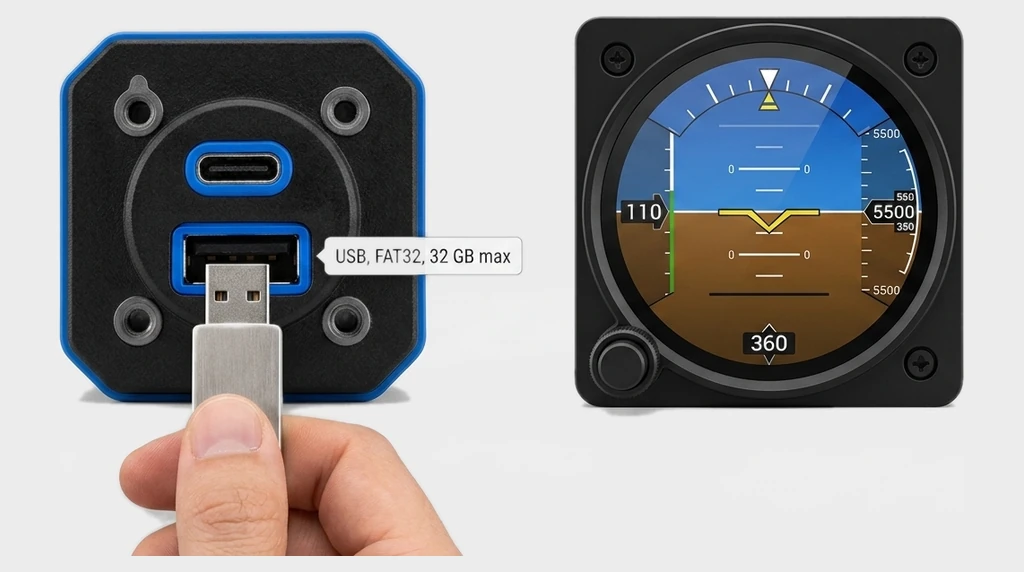
Need a drive? A 32 GB USB flash drive works. If a drive won't read, format it to FAT32.
2) Get all your previous landings
Your earlier flights are stored on the GI 275 itself — export them to the same USB drive in one pass:
- With the USB drive in the GSB 15 (or rear USB dongle), open the menu from any page.
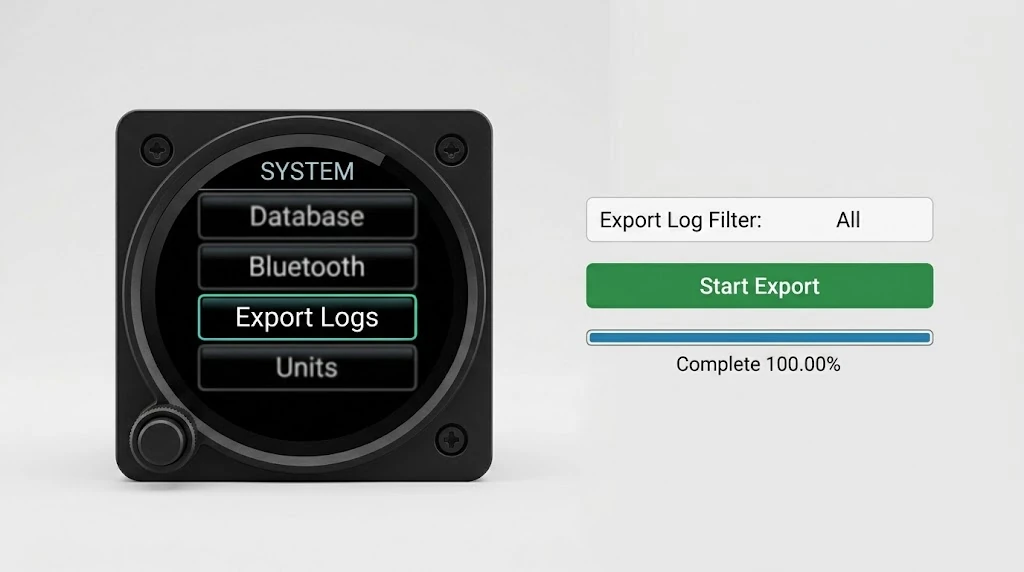
- Choose System → Export Logs.
- Set Export Log Filter to All (or pick a date range).
- Touch Start Export and wait for Complete 100.00%.
3) Upload to landing.fyi
Pull the USB drive out of the GSB 15 (or dongle). Each flight is a .csv named like log_YYMMDD_HHMMSS_IDENT.csv.
On a computer
Plug the drive into a USB port and open it.
On a phone
A USB-C or Lightning adapter mounts the drive in the Files app — no app to install.
Grab every log file from the USB drive and upload them all at once — landing.fyi scores each flight and quietly ignores any duplicates, so it's safe to select the lot.
Want feedback on your own landings?
landing.fyi scores every landing 0–100 from your avionics log — approach, glidepath, centerline, flare, firmness. Find your greaser.
Get your landing score →Free. Your logs stay private — already have an account? Log in
As an Amazon Associate, landing.fyi earns from qualifying purchases.