 landing.fyi
Upload guide
Avidyne IFD flight data log — export & score every landing
Export your IFD datalog to a USB stick and upload it to landing.fyi to score your landings. Your IFD writes its flight data across two .csv files — upload both together and landing.fyi joins them.
Covers: IFD440, IFD540 (and IFD545 / IFD550 touchscreen navigators)
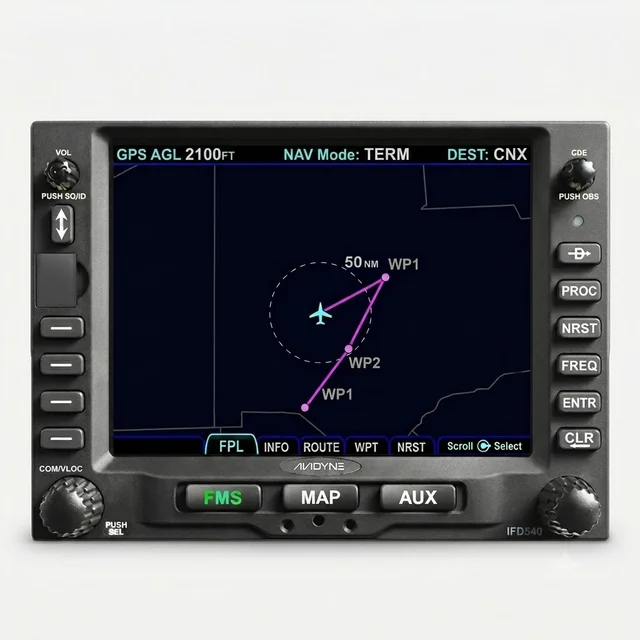
1) Export the datalog to a USB drive
The IFD440 / IFD540 is a panel-mount GPS/NAV navigator — a slide-in radio-stack unit, not a primary-flight display. It writes its flight datalog to a USB flash drive at the front-panel USB port:
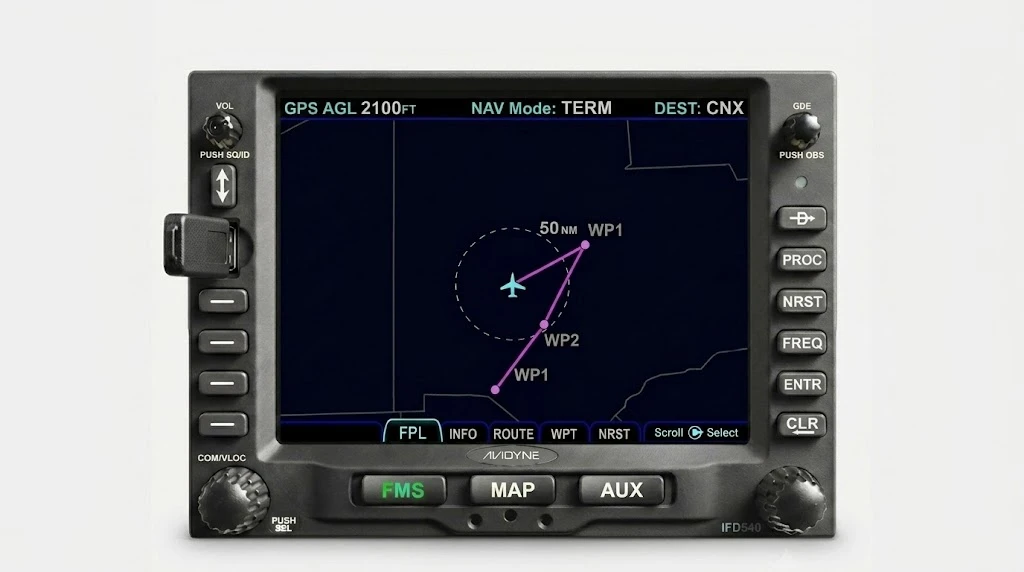
- Plug a USB flash drive into the front-panel USB port.
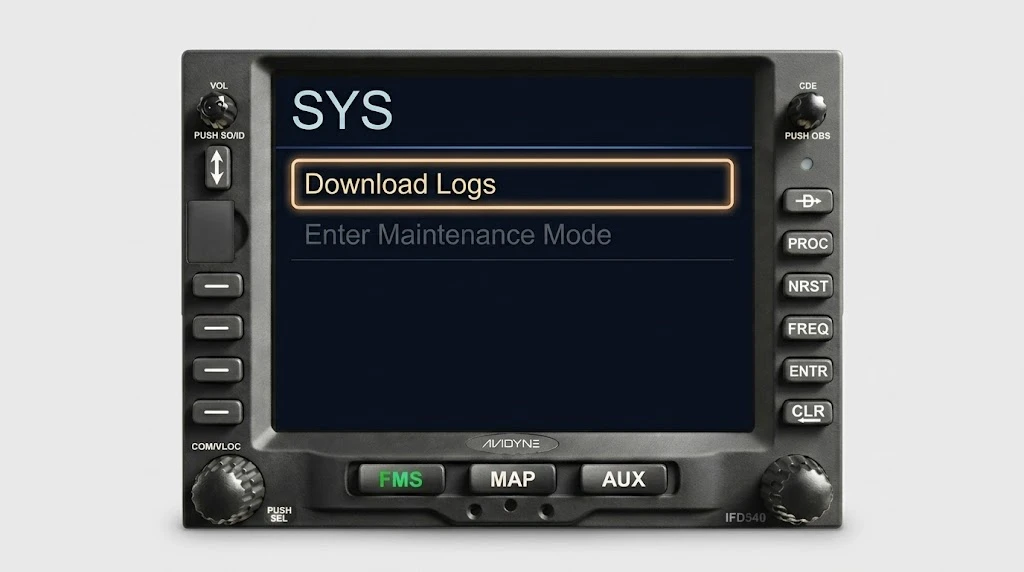
- Press the SYS key, then choose Download Logs.
- Let the unit enter Maintenance Mode when it prompts, then choose to
write the datalog to the USB drive. It saves one or more
.csvfiles.
Need a drive? A 32 GB USB flash drive works. If a drive won’t read, format it to FAT32.
2) Pull the USB drive
Once the IFD finishes writing, take the drive back out of the front-panel port.
A single export can hold several flights — the IFD separates each
power cycle inside the file — so grab every .csv it
wrote and send them all.
3) Upload both logs to landing.fyi
Your IFD writes its flight data across two logs — one with your
airspeed, one with your GPS track — and landing.fyi joins them to
score your landings. Select both .csv files together when you
upload (drop the whole set in at once); we sort out which is which. A single file
on its own can’t score, so don’t upload just one and stop.
On a computer
Plug the drive into a USB port and open it.
On a phone
A USB-C or Lightning adapter mounts the drive in the Files app — no app to install.
Grab every IFD datalog .csv file from the USB drive and upload them all at once — landing.fyi scores each flight and quietly ignores any duplicates, so it's safe to select the lot.
Want feedback on your own landings?
landing.fyi scores every landing 0–100 from your avionics log — approach, glidepath, centerline, flare, firmness. Find your greaser.
Get your landing score →Free. Your logs stay private — already have an account? Log in
As an Amazon Associate, landing.fyi earns from qualifying purchases.